
Ever looked great in the mirror, then checked the photo and thought, “Why does this look so flat?”
You’re not alone in this!
There are times when an outfit seems to look great while you are wearing it. Still, it can get flat, washed out, or lifeless as soon as you see the photo of it. It’s not always the camera or the clothes. Flat lighting, weak contrasts, fabric textures lost, dull skin, and lower resolution – all take away the depth out of an image.
AI image enhancers fix many of these problems in just a few seconds by adjusting lighting, skin, texture, and even sharpening the image.
In this guide, we will look at why outfit photos become so flat and how AI can give those images a second life.
The 4 Real Reasons Outfit Photos Look Flat
Flat, Directionless Lighting
How many times have you been in awe of your outfit by a window?
Well, the light really makes a difference.
Shadows that flatten the surface are due to an overcast sky, ceiling lights and camera flash. Folds, layers and the fit of the garment are not apparent if there is almost no difference.
Lost Fabric Texture
When did you last see the fabric detail that you like so much?
Phone compression of images has the effect of flattening knit, denim weave, or woven patterns. After being resized or uploaded, even top clothing may appear somehow strangely smooth or “plasticky.”
Dull or Uneven Skin Tone
Your skin must have been looking like the photo of you, isn’t it?
Sometimes mixed lighting is the main issue to look out for. Daylight filtering in from the windows mixed with the warm indoor bulbs can result in strange color casts, plus the shadow can give an uneven, unflattering look to your complexion.
Low Resolution for Reposting or Printing
A photo might look fine on your phone but could not do justice after a few uploads or some editing.
Social platforms do compress the photos, so enlarging them afterward might result in blur and poor resolution. This means the details of your outfit as well as the entire shot are lost.
Why Manual Fixes Fall Short
Sure, you can fix all of this yourself—but how much time do you want to spend tweaking one photo?
With most editing apps, you have to switch back and forth between tools… like an exposure tool, one for texture, one for skin, and another to up the resolution.
Manually grading color is quite time-consuming and is even worse when editing photos that aren’t just one individual photo; we’re talking about a batch of outfit shots here. And the skin tool could easily overdo it; the moment you press a skin smoothing tool, the natural look turns into an obviously “airbrushed” face.
That’s where an all-in-one AI enhancer can streamline!
Where Wink Fills the Gap
What if you could fix the whole photo without opening three or four different editing tools? Yes, Wink Photo Enhancer has got your back.
Get Better Lighting, Color, and Total Detail
Got an outfit photo that looks a bit dull or blurry?
Wink’s AI image enhancement tool works magic by making images bright and clear and even adding more details. It gives you a choice of enhancement levels that suit different photos.
You know what’s amazing? It can also control how much enhancement you want to make so that nothing gets ruined.
Restore Fabric and Clothing Detail
The clothes looked more detailed in person, didn’t they?
Wink will assist you in bringing the texture of a faded object back to life and highlight the fine outline in an image without just enhancing the whole picture’s sharpness.
Simple words? This means that the features of denim, knit, wool, and other types of fabric can be identified more easily.
Enhance Skin Without Losing a Natural Look
Your outfit might be the star, but the face still matters.
Thanks to Wank’s AI Skin Retouch, you can even out the wrinkles, cut shine, eliminate pimples, and highlight facial features in a natural way.
In this way, you can give your headshot a face lift but not end up with that overdone, photoshopped effect.
Improve Colors While Preserving the Outfit
Sometimes your outfit pictures don’t really go together. Different colors? Somewhere dull, somewhere sharp!
The Wink Color Match by AI is a great feature if you have many such pictures; you can let it work for you, and it will make all your colors look similar across different files and videos with one click.
Before and After: Wink in Real Outfit Photos
Indoor Outfit Photo
Although the outfit is stylish, the photo doesn’t capture all its life and vibrancy.
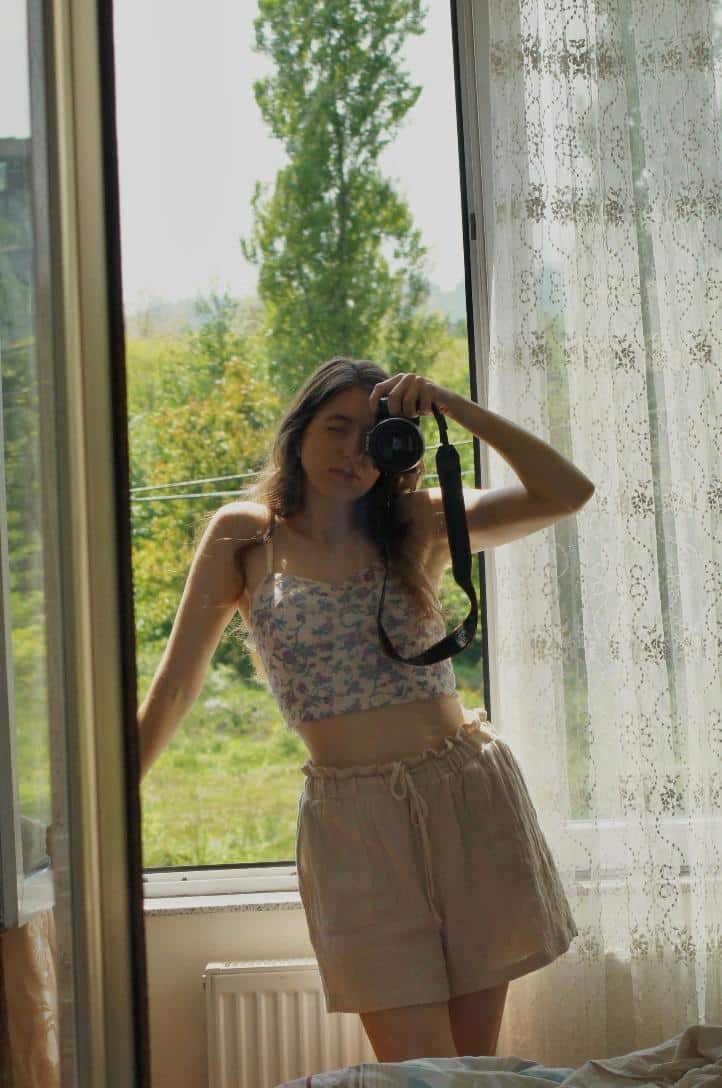
The “before” photo has flat lighting, dull colors, and almost no texture to the clothing items.
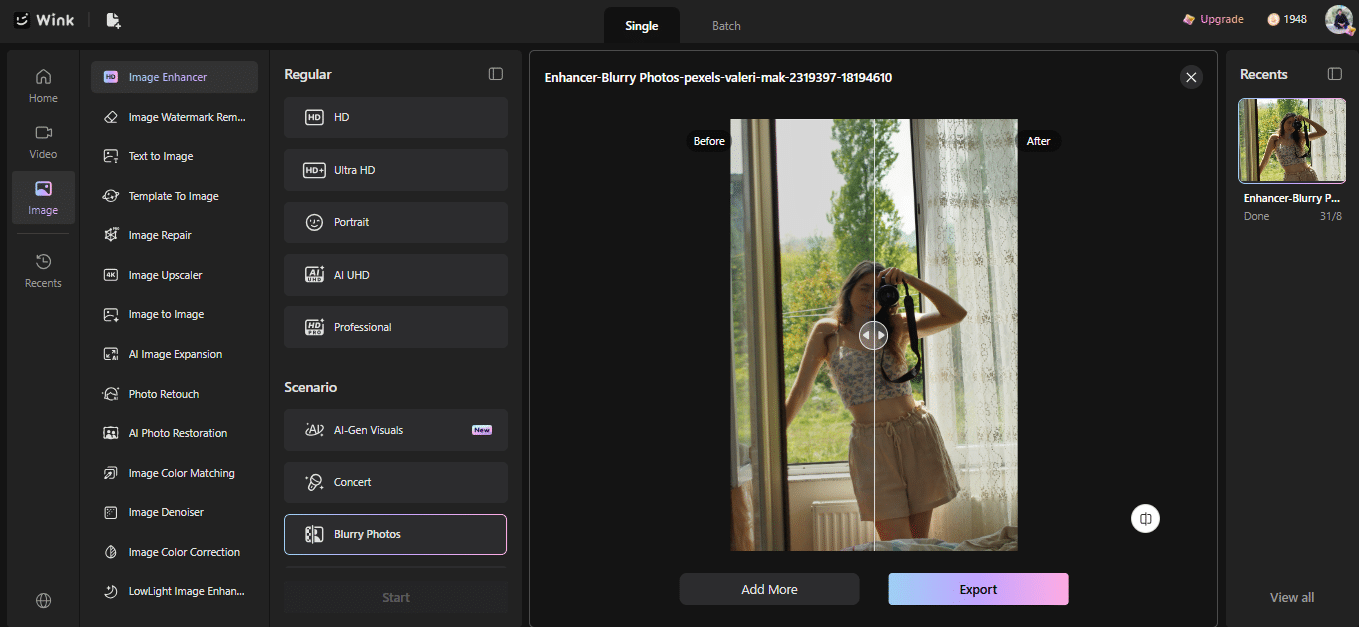
Once it has been enhanced by Wink, the image turns out more vivid with clearer details and the outfit gains in terms of how it visually appears to the viewer.
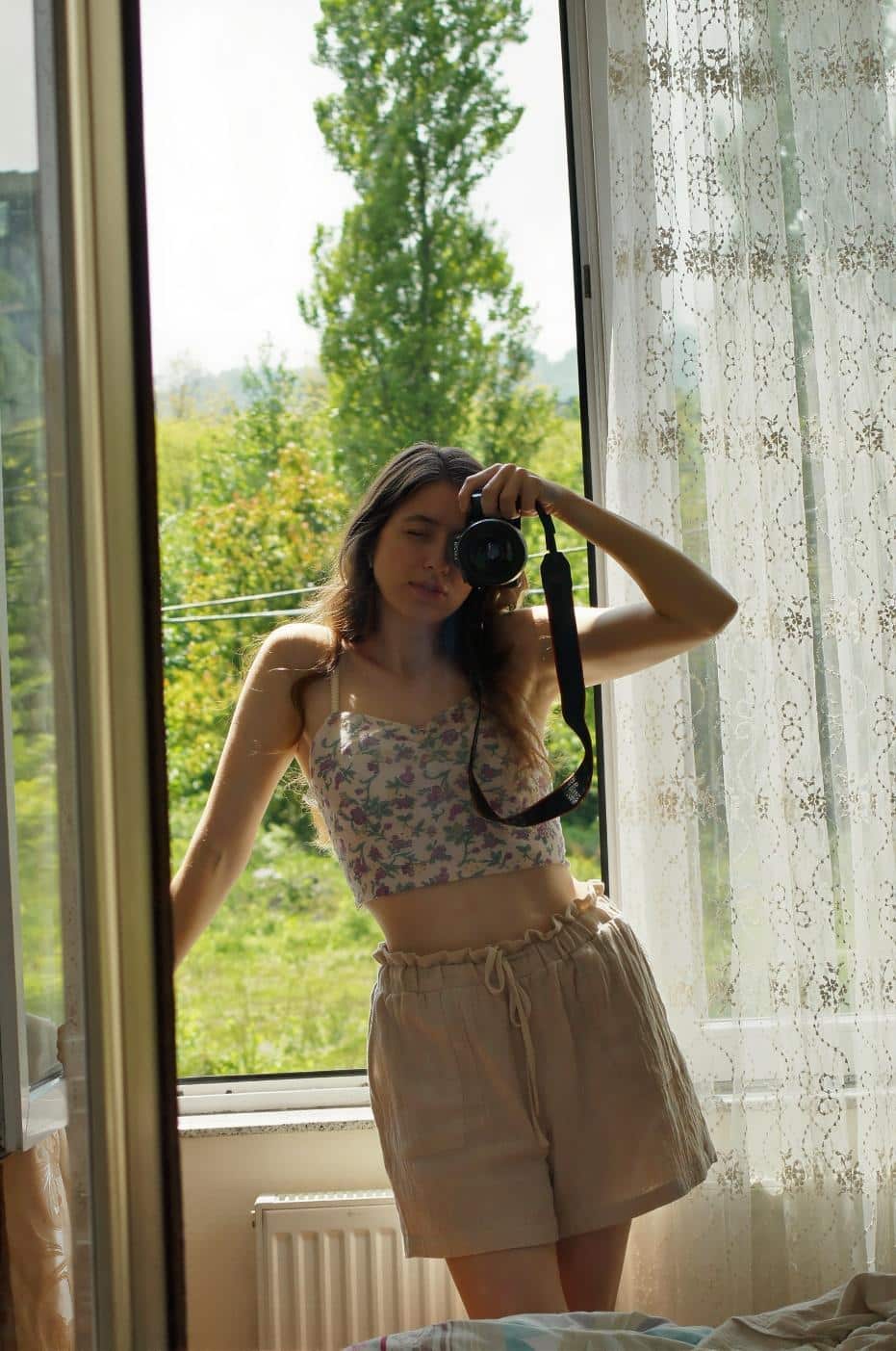
Fabric Close-Up
Zooming further in will let you see the changes even more clearly.
The picture at the beginning has a very subtle, almost compressed texture that makes it difficult to recognize the fabric.
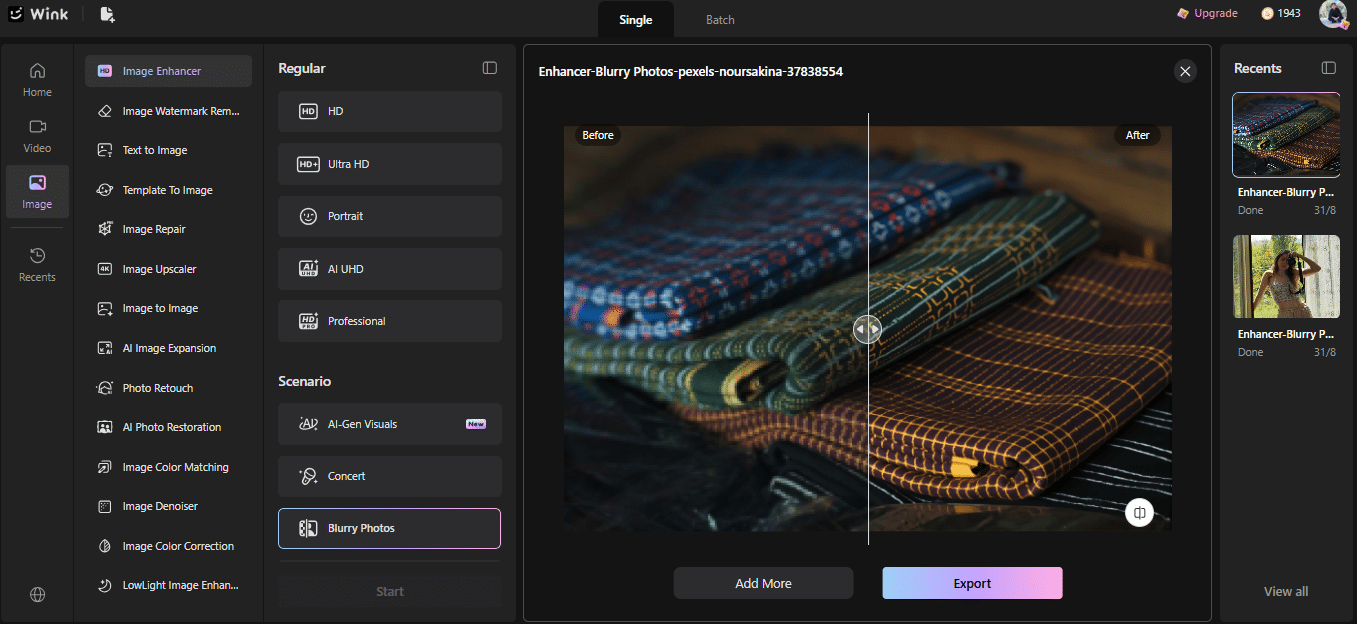
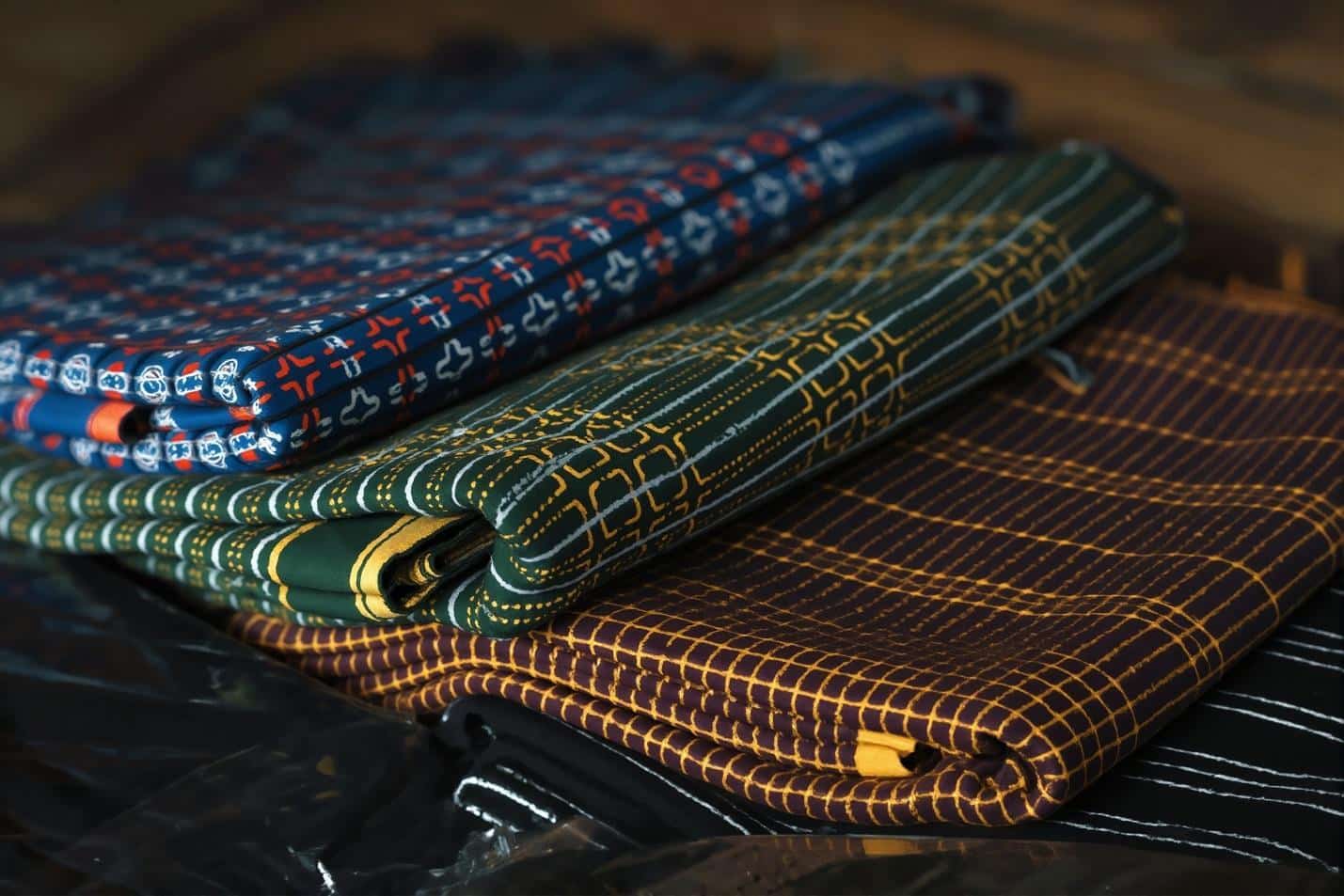
Wink makes the details appear much clearer and the weaving and stitching seem visible almost as if in daylight.
Need More Resolution? Upscale Image
So, what’s the difference? Enhancing vs upscaling?
Enhancing can improve aspects such as sharpness, clarity, and visible detail, whereas upscaling is essentially increasing the resolution of an image. If a photo of your outfit is ‘okay’ but just too small/low-resolution, upscaling may be best.
Upscale With Wink
Found a small outfit photo and wish to see how it looks when enlarged?
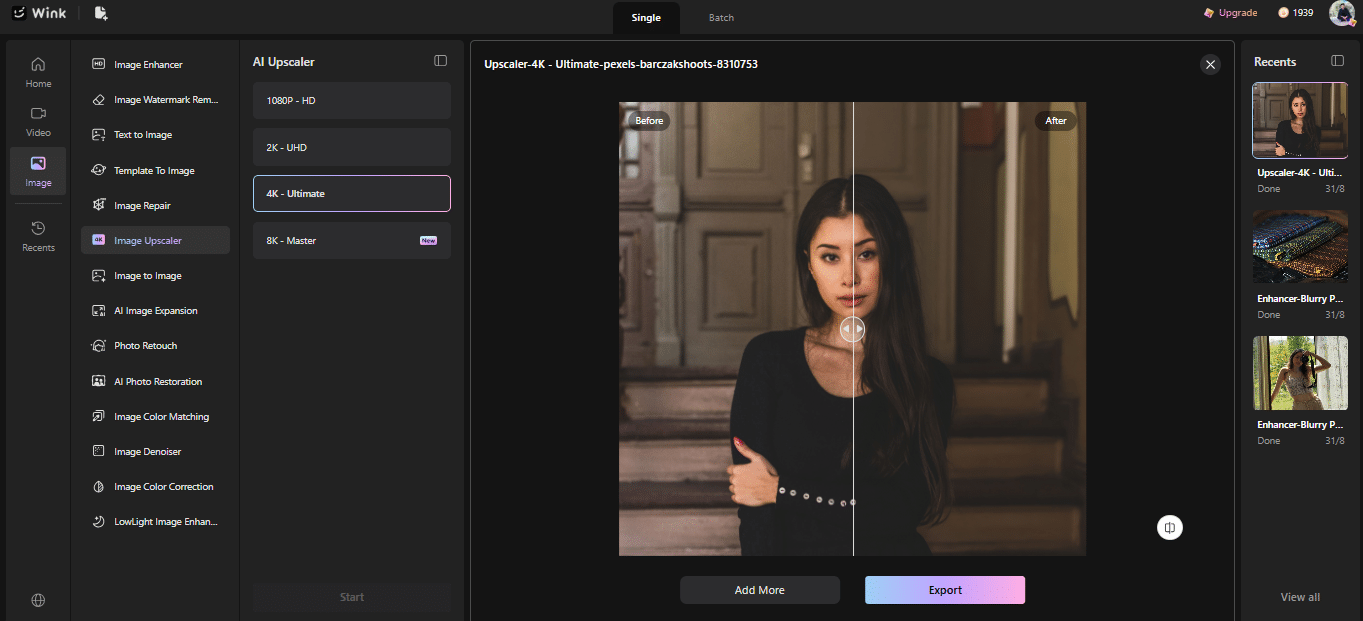
You can take images up to 1080p, 2K, or 4K resolution using Wink’s 4K Image Upscaler. Besides upscaling, it will help you bring back details on blurred image and even out the image quality while you’re enlarging it.
Conclusion
Your outfit probably wasn’t the problem—the photo was.
Flat light can really wash out an otherwise killer outfit and render details flat, skin dull, and make the whole shot look disappointingly low resolution. Fortunately, if it just wasn’t shot or edited perfectly, your pictures can be quickly enhanced using artificial intelligence.
With Wink, you can sharpen images, enhance texture, improve quality, retouch your portrait, upscale even low-resolution images, and, well, everything you could want to fix that shot without fiddling for half an hour in all the tools. The outfit that looked incredible on you might look even better in pictures after a few clicks and some AI magic.