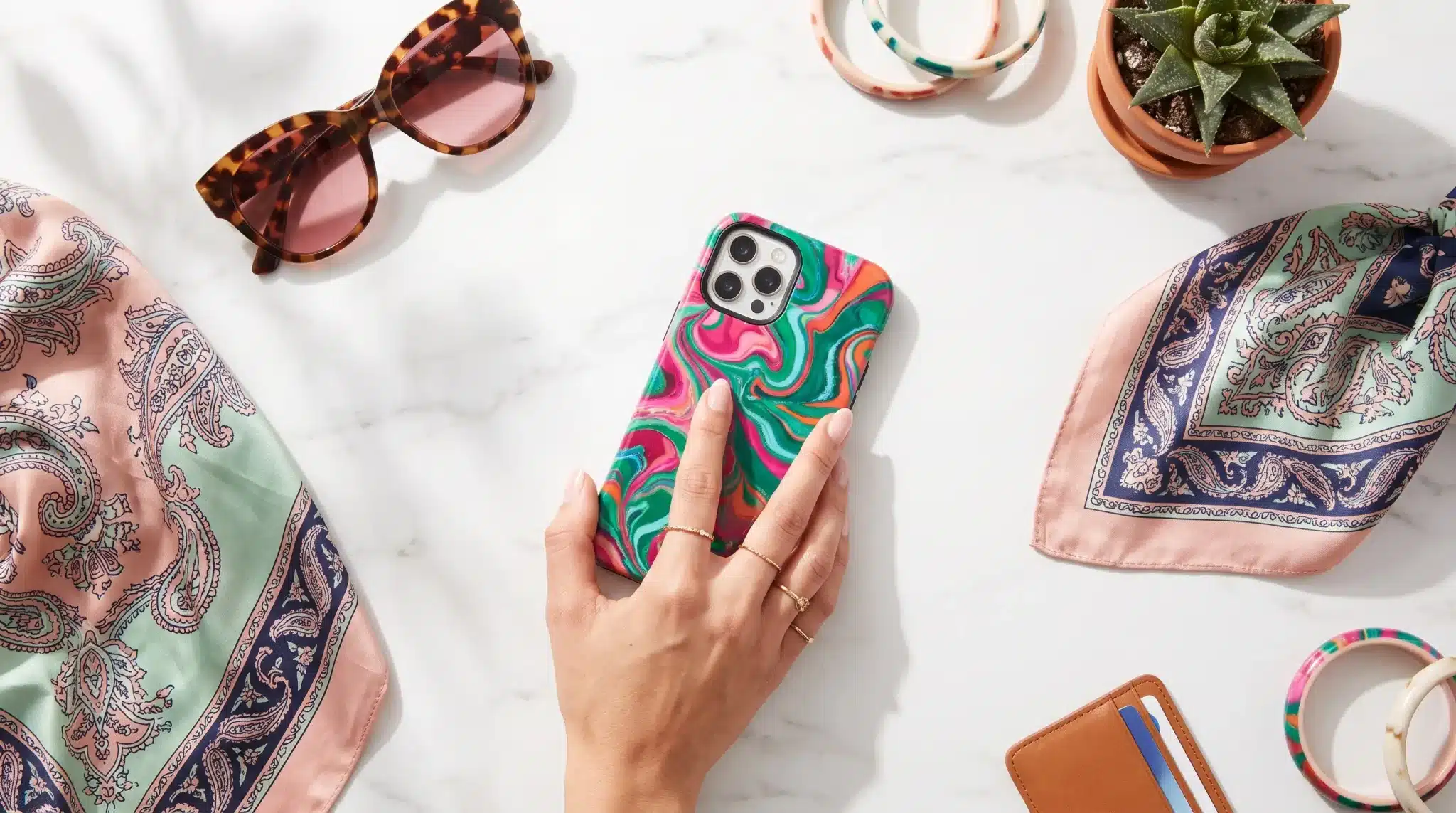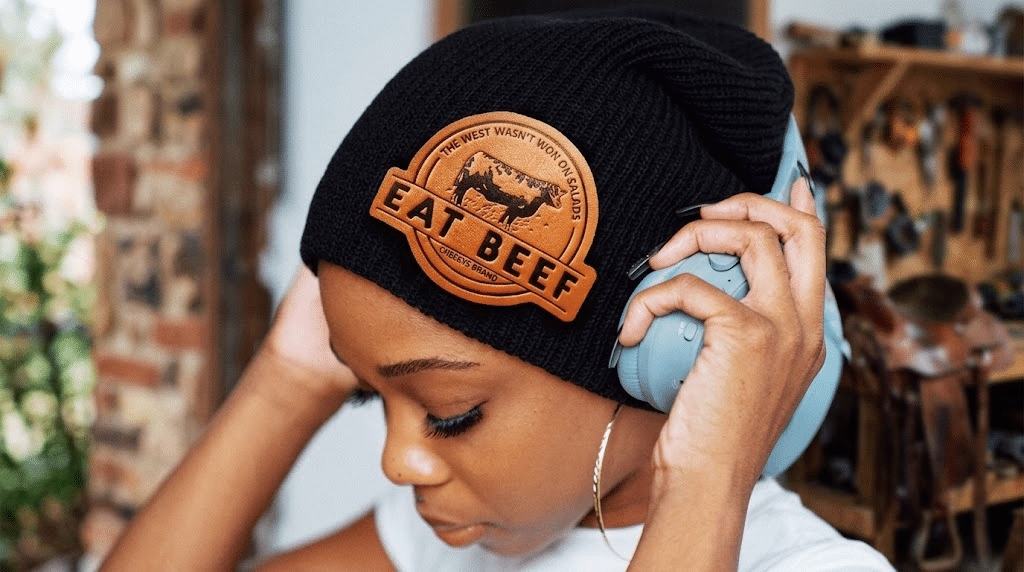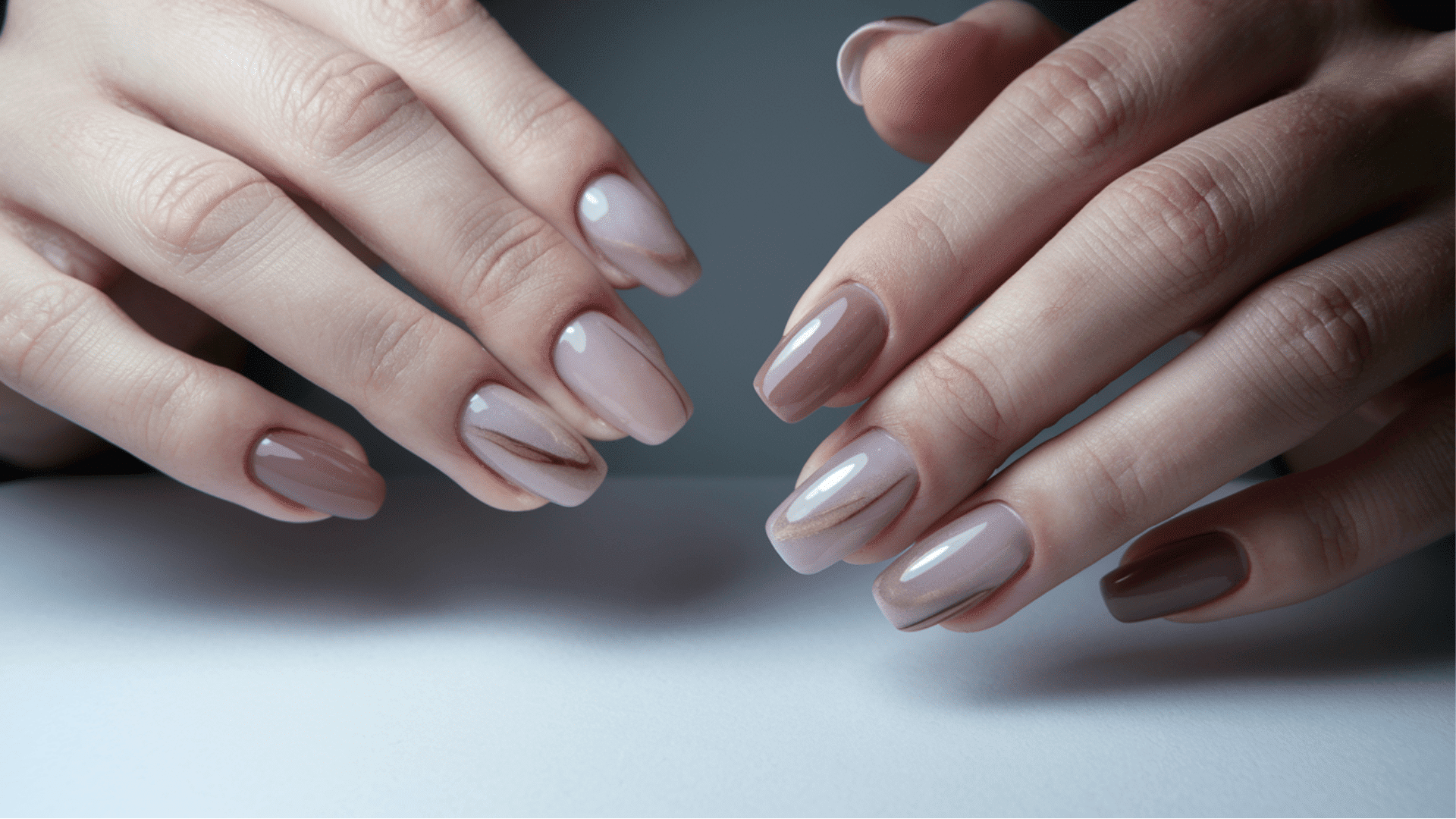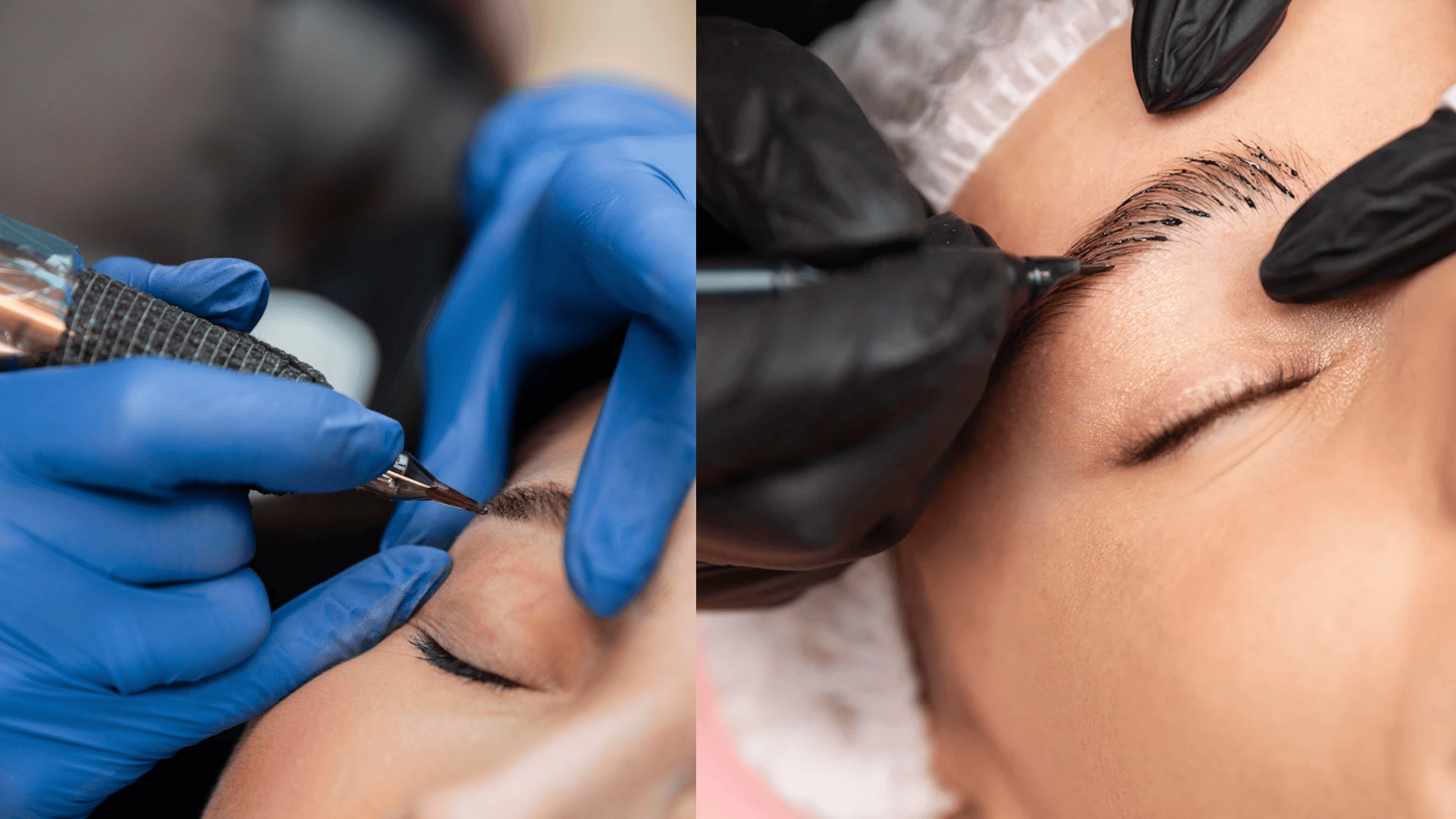
Scroll through any brand’s Instagram grid or a well-designed blog, and you’ll notice something: the images don’t just look good individually; they look like they belong together. Same color grading, same lighting mood, same visual rhythm from one post to the next. Pulling that off used to mean a single dedicated shoot with one photographer and one set. Now, an AI image generator can help you build that same sense of cohesion across a whole series, even when each image is generated separately.
Dreamina, running on its most advanced image generation model, Seedream 5.0 Pro, is especially good at holding onto that visual thread from one image to the next. Whether you’re building a carousel post, a blog header series, or a full editorial spread, consistency is what turns a batch of images into an actual series. Let’s get into how.
What Actually Makes a Series Feel Like a Series
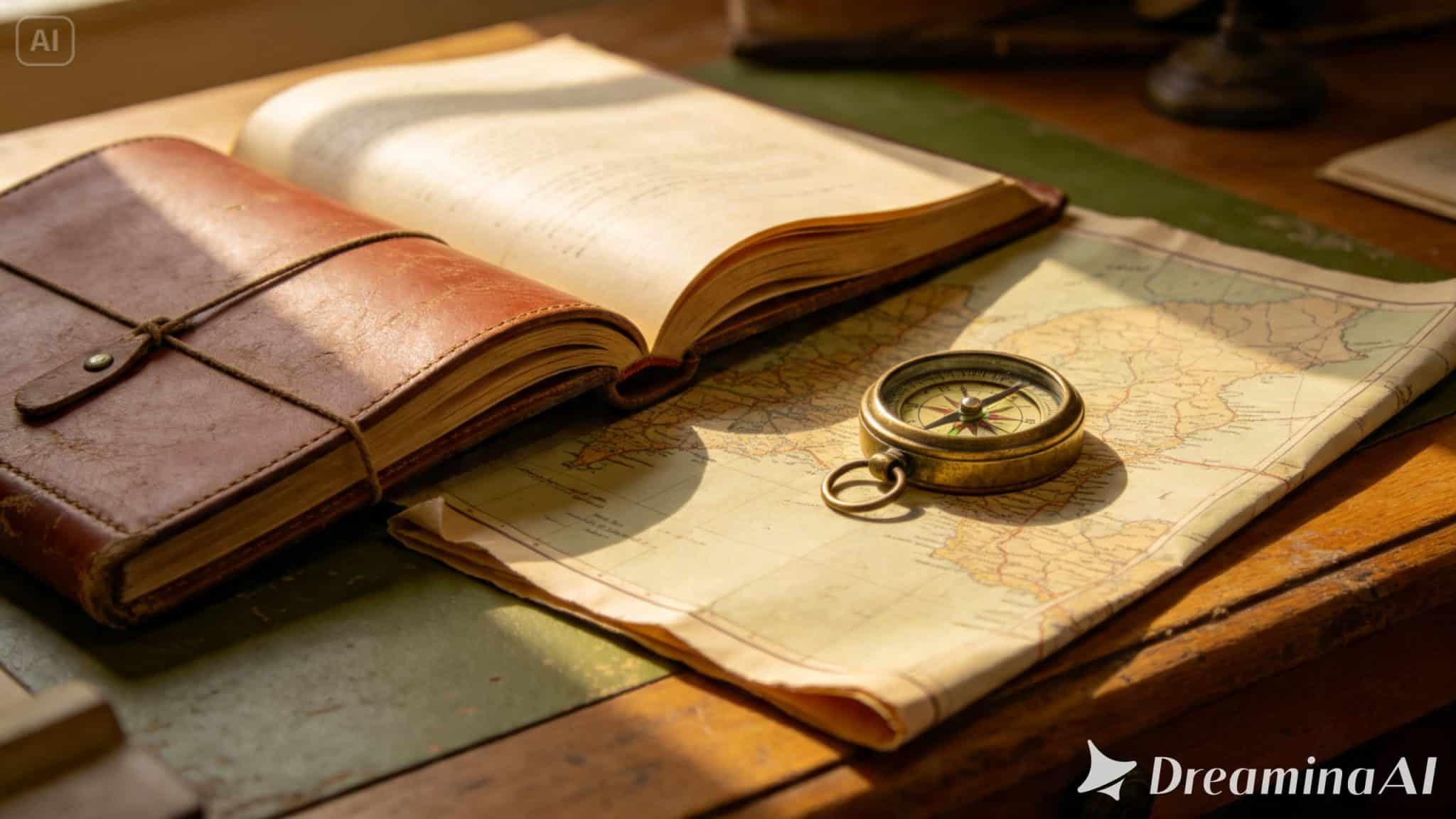
It’s rarely one single element holding a visual series together — it’s usually a combination of smaller, consistent choices repeated across every image. Think about the color palette, the lighting direction and quality, the general composition style, and even the emotional tone of each shot. When these stay steady while the actual subject or scene changes, viewers read it as one connected story instead of a random collection.
Establishing Your Visual Anchor Before You Generate Anything
Jumping straight into generating five or six images without a plan almost always produces a mismatched set. It’s worth spending a few minutes upfront defining:
- A specific color palette (warm earth tones, cool blues, high contrast, muted pastels)
- A consistent lighting style (soft natural light, dramatic shadows, golden hour)
- A recurring compositional habit (centered subjects, wide establishing shots, close crops)
Treat this as your series’ visual DNA — everything you generate afterward should trace back to these choices.
Writing Prompts that Repeat on Purpose
The real trick to series consistency is deliberate repetition in your prompt language, not accidental variation. Reuse the same lighting descriptors, the same color terms, and the same compositional phrasing across every prompt in the set, only swapping out the subject or specific scene details. If “warm golden hour lighting” worked for image one, it should appear in image five too, even if everything else about the scene has changed.
Meet Seedream 5.0 Pro: Built to Hold a Visual Thread
Seedream 5.0 Pro is particularly well-equipped for this kind of consistency-driven work. Its deep reasoning generation analyzes your prompt’s intent and visual relationships before producing an image, which helps it interpret repeated style language the same way across multiple generations rather than drifting slightly each time.
The multi-layer visual control separates subjects, backgrounds, and effects into independent components, making it easier to keep certain elements — like a color grade or background style — steady while subjects change from image to image.
Its pinpoint precision editing tools, with point selection, lasso, sketch guidance, and regional controls, let you nudge any outlier image back in line with the rest of the set. And with 2K output quality, fine lighting and texture details stay sharp and consistent even across a larger series.
Your 3-Step Series Builder with Dreamina
Once your visual anchor is set, here’s the exact process to generate each piece of the series.
Step 1: Write a Text Prompt And/or Add a Reference Image
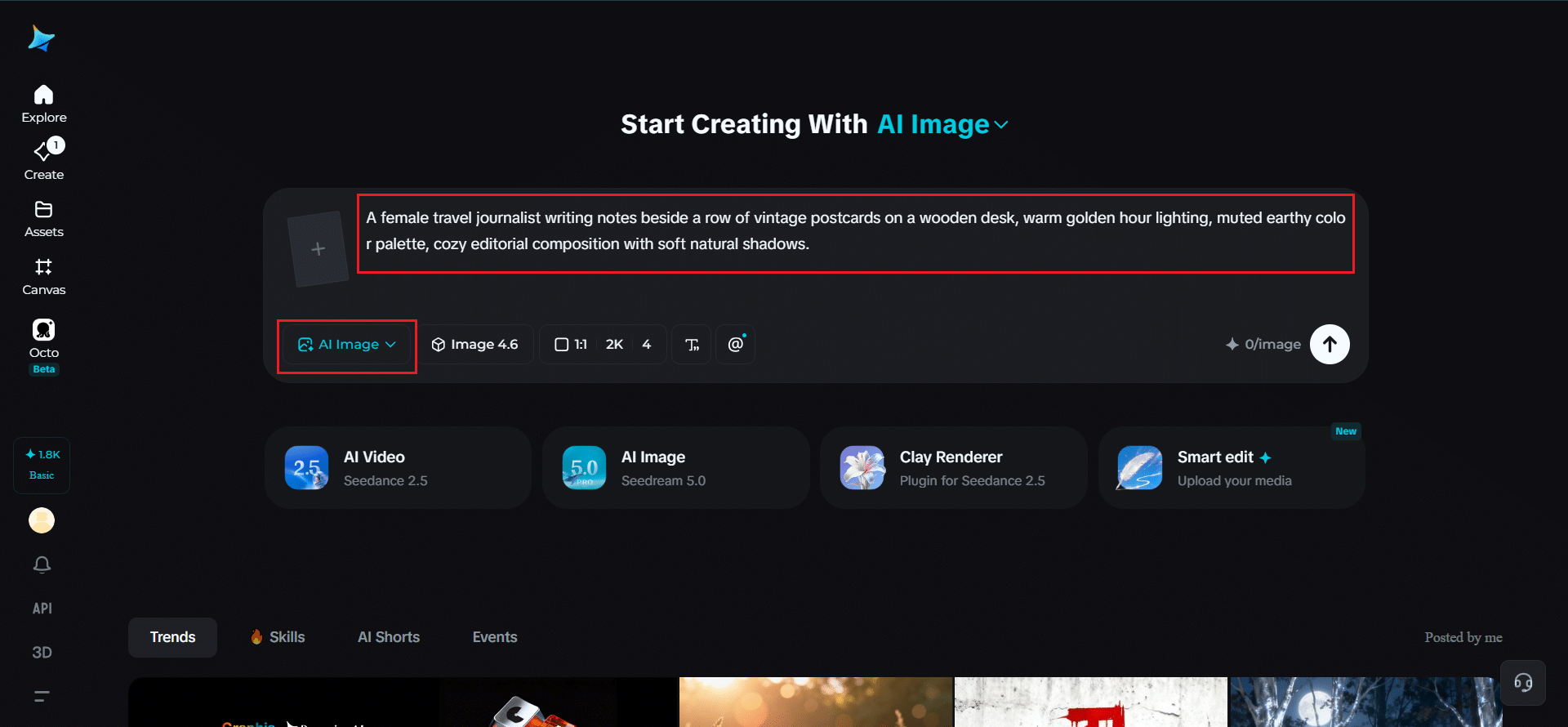
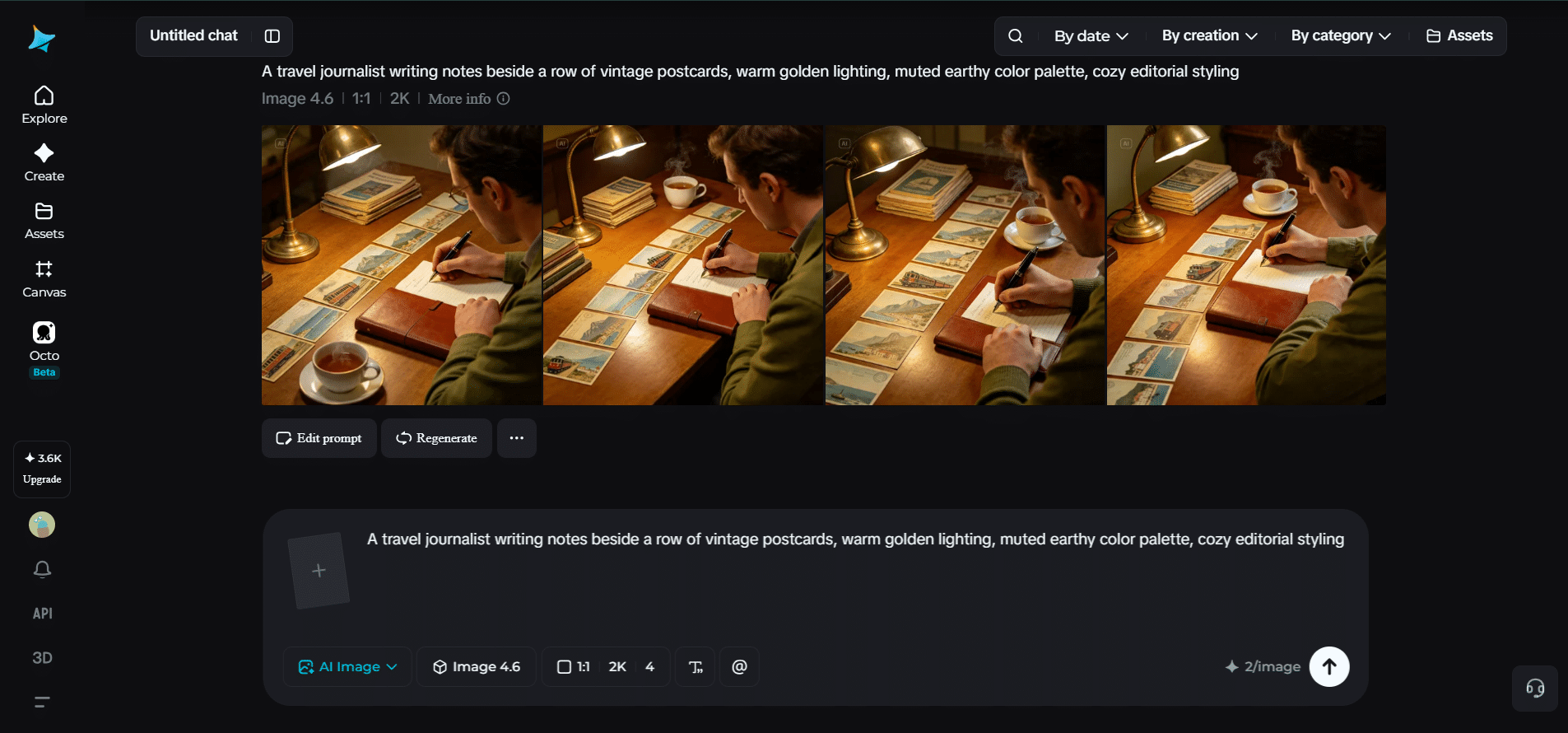
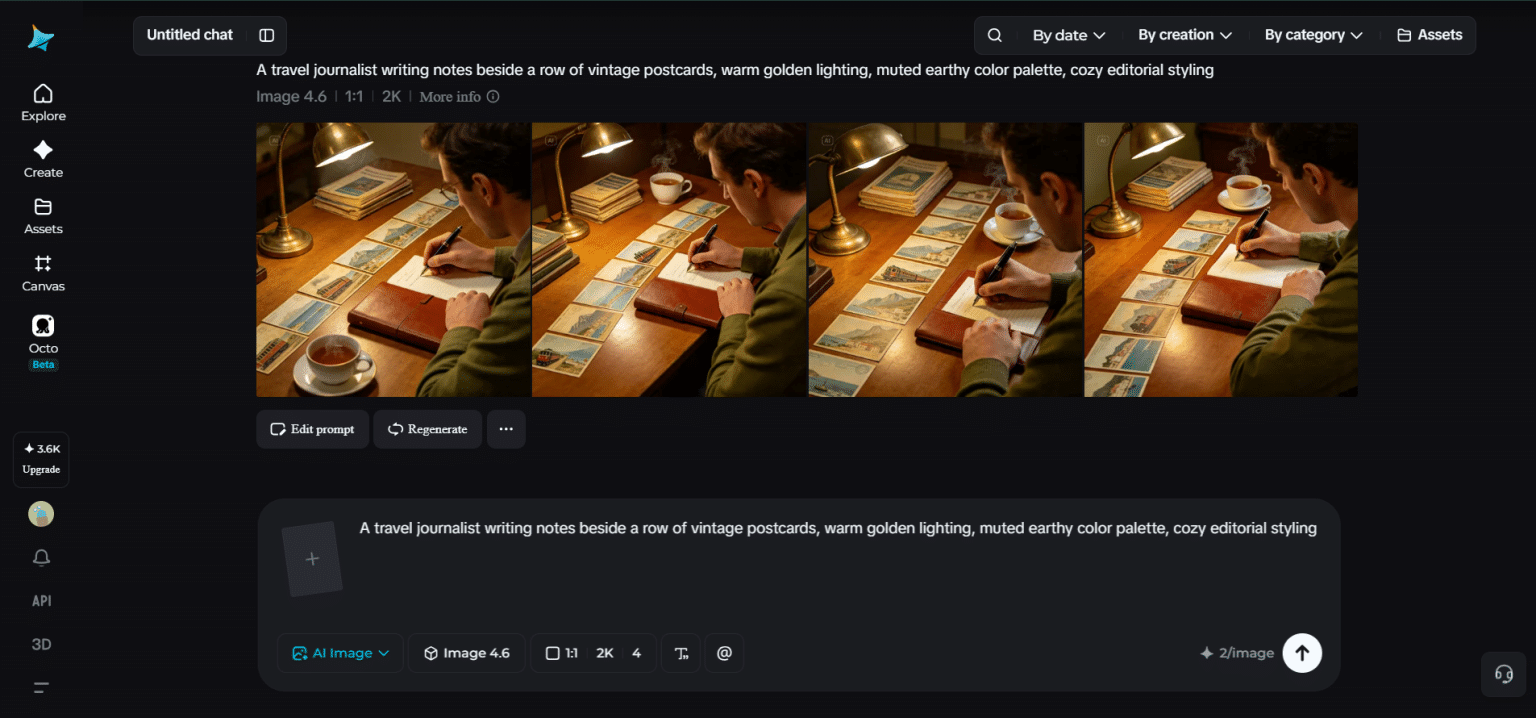
Navigate to Dreamina and write a detailed text prompt describing a person dressed appropriately for the theme of your series, incorporating the color palette, lighting style, and composition habits you’ve already decided on. If you have a reference image from an earlier piece in the series, upload it to help anchor the new image to the same visual style.
A sample prompt might read: A travel journalist writing notes beside a row of vintage postcards on a wooden desk, warm golden hour lighting, muted earthy color palette, cozy editorial composition with soft natural shadows.
Keep this exact style language on hand to reuse across every subsequent image.
Step 2: Adjust Parameters and Generate
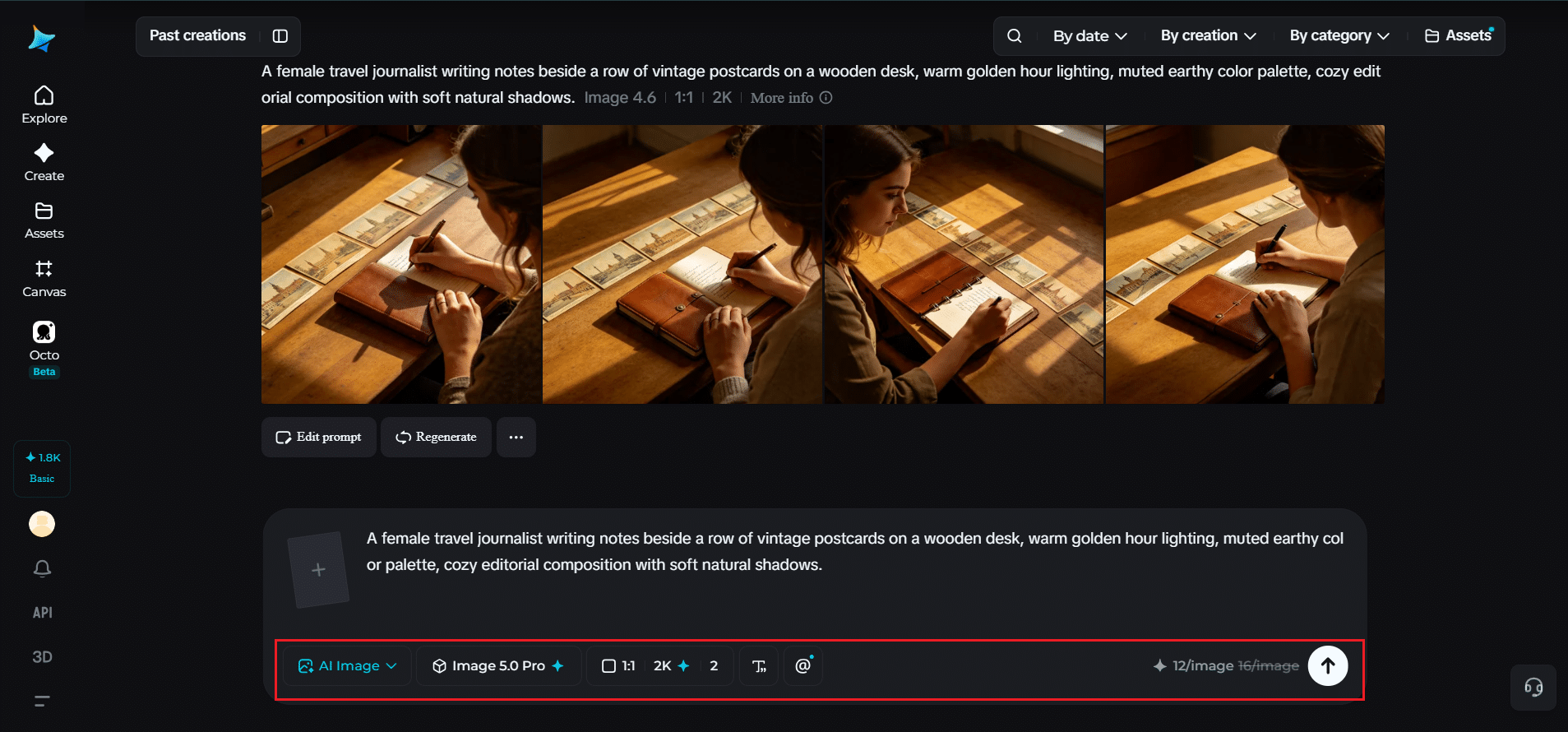
Before generating, check your settings to keep them consistent across the whole series. Select Image 5.0 Pro, powered by Seedream 5.0 Pro, as your model, then set your aspect ratio, image size, and resolution, choosing 1K while testing your visual direction or 2K once you’re generating final versions, keeping these settings identical for every image in the set. Click Dreamina’s generate icon to produce each piece.
Step 3: Customize and Download
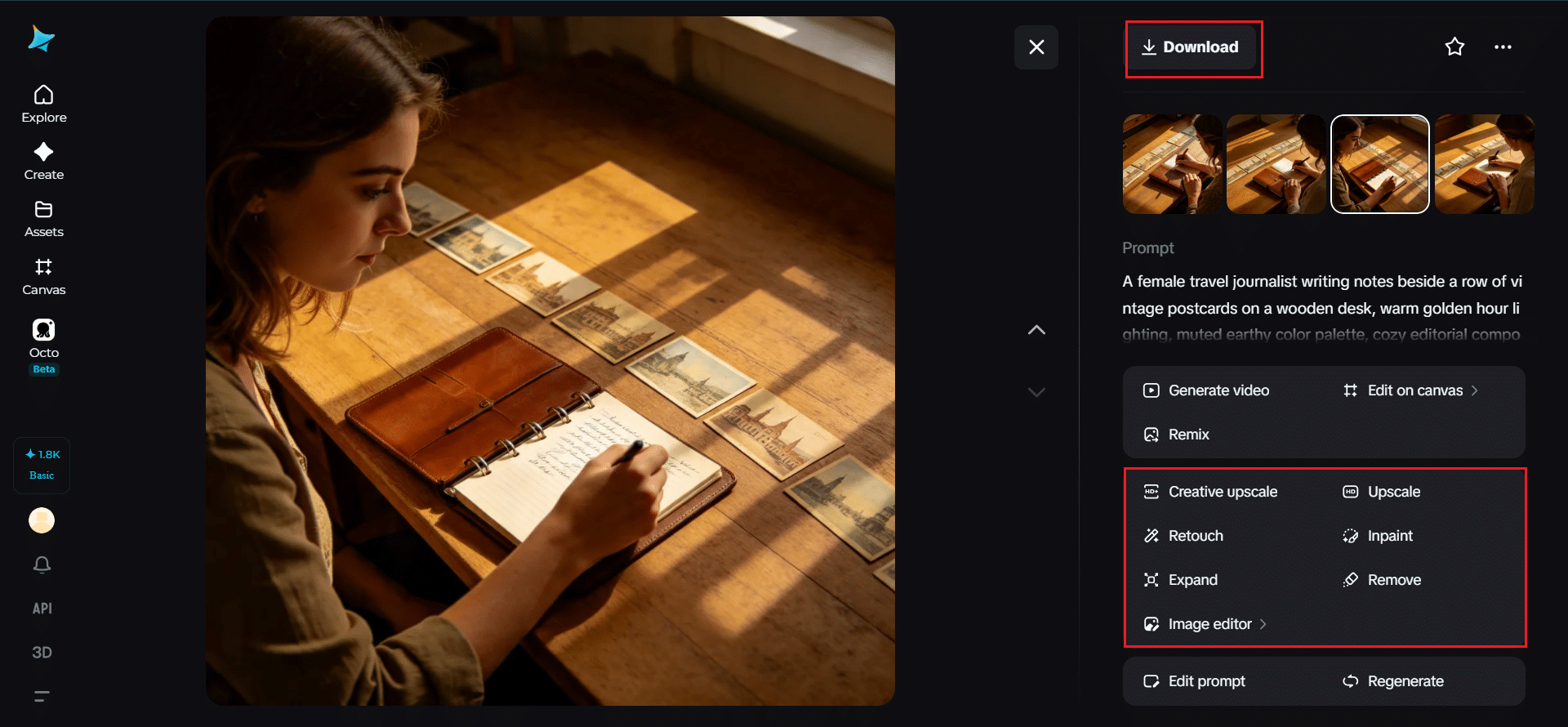
Once each image is generated, use Dreamina’s AI customization tools to bring any outliers back in line — inpaint to adjust colors or details that don’t quite match, expand to standardize framing across the set, remove to eliminate anything inconsistent, and retouch to fine-tune lighting so it feels uniform throughout. When each piece fits the series, click the Download icon to save it.
Spotting the Image that Doesn’t Quite Fit
Even with consistent prompts, one image in a set occasionally comes out looking slightly off — a cooler color temperature, a different composition style, something subtly different from the rest. Line your generations up side by side before finalizing anything, since inconsistencies are far easier to spot in a group than one at a time. Catching this early means a quick retouch instead of a full regeneration later.
Where a Strong Visual Series Pays Off
Cohesive image sets aren’t just aesthetically satisfying, they carry real practical weight:
- Instagram carousels and grid feeds that feel intentional
- Blog or article header images across a multi-part series
- Editorial spreads and lookbooks with a unified mood
- Email campaigns needing visual continuity across sections
Final Thoughts
A cohesive visual series comes down to a handful of deliberate, repeated choices, not luck, and the right AI image generator makes those choices easy to carry across every image.
With Dreamina and its advanced Seedream 5.0 Pro model, you can lock in a color palette, lighting style, and compositional rhythm, then generate a whole series that feels like it was shot in one sitting.
Define your visual anchor first, and let Dreamina keep every image on-brand from there!